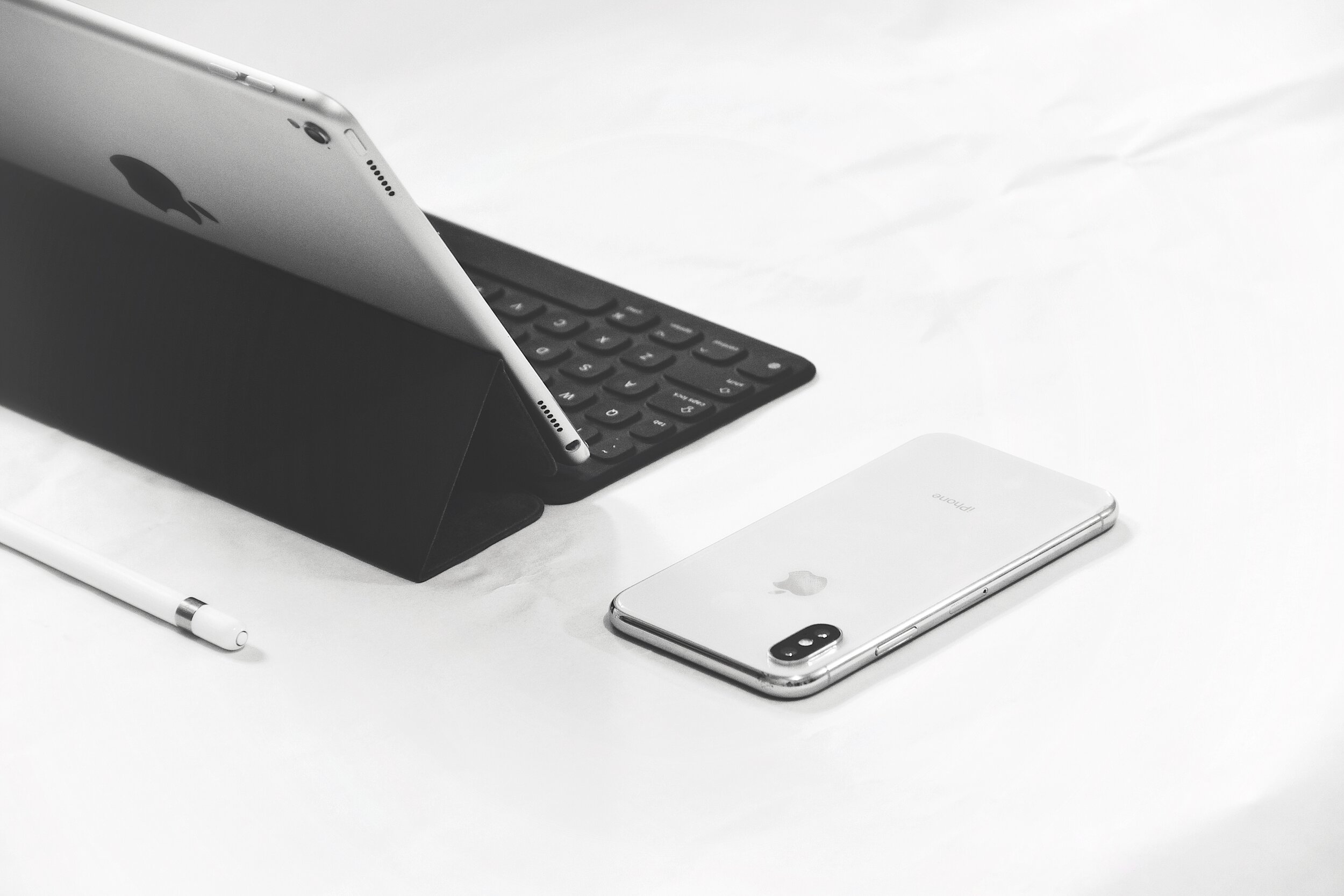
Download Alaia App Manager on your Family’s iPhone or iPad
Enable App Management and Location Tracking
follow these steps
Step 1
Click the button below to download Alaia App Manager on your computer.
Step 2
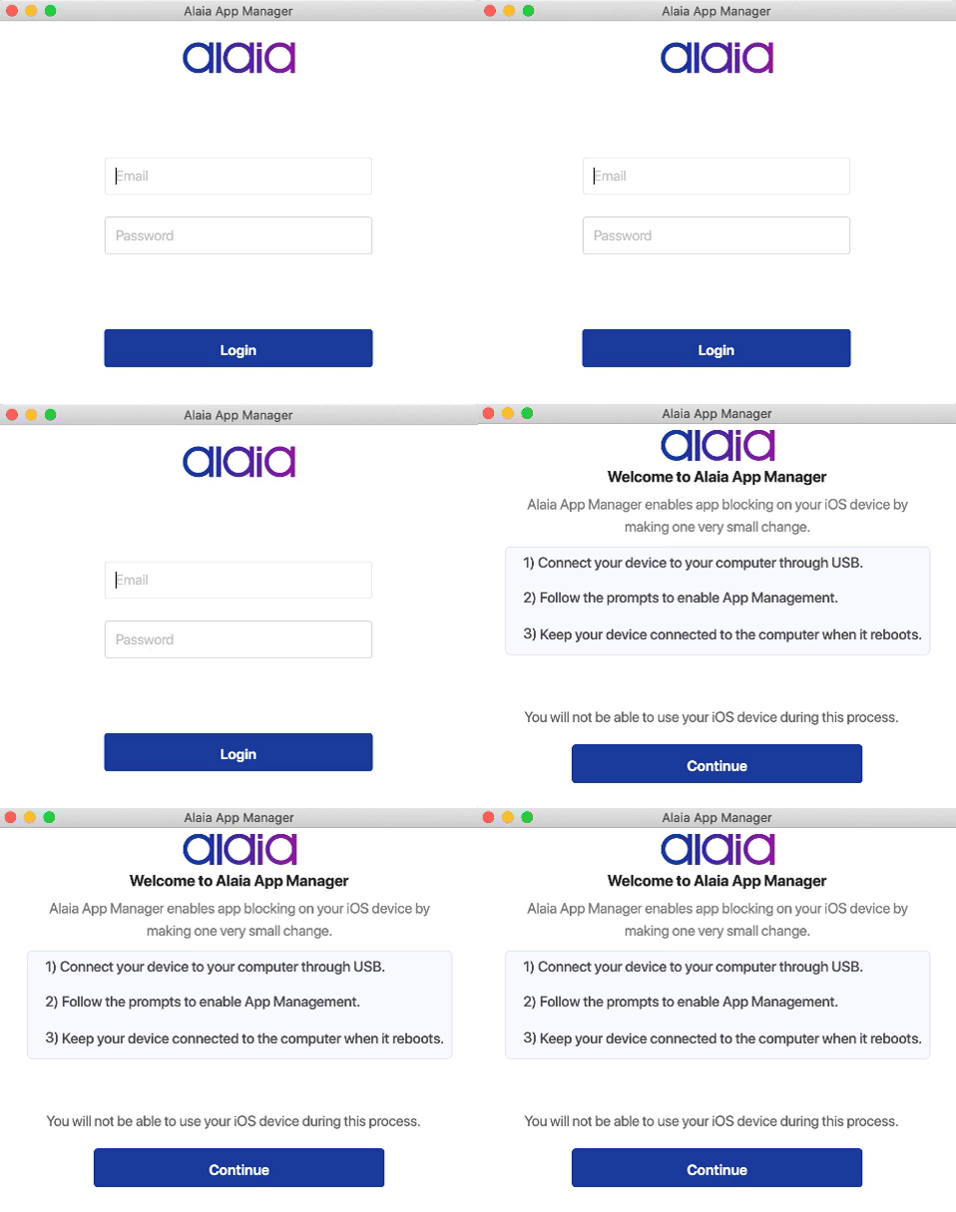
Login to your Alaia account. Connect your iPhone or iPad to your computer. Then press continue.
Step 3
Keep your device connected. Press continue and follow the guided prompts to start using Alaia App Manager.

Frequently Asked Questions
Why should I put App manager on my child’s iPhone or iPad?
A device that has App Manager allows parents to have a more holistic control over their children’s digital experience. Parents can block unnecessary or inappropriate apps and games and also track their child’s location instantly, any time anywhere.
How does Alaia’s Location Tracker work?
With a simple tap, parents can locate their child’s iPhone or iPad. Alaia reports the last known location of your kid’s iOS device instantly. Please note that your children will get a notification when you attempt to locate them.
Is it safe to place devices in “App Manager Mode”?
“App Manager Mode” is completely safe! App Manager is a regular process provided officially by Apple to prepare a device for remote management from applications like Alaia. This mode is widely used by schools, districts, and companies to remotely manage devices. If your children use an iPad at school, they are probably already supervised.
Can the children remove or delete the “app manager Mode”?
No. Absolutely not. The parents, who placed the iOS device in “Supervised Mode”, alone can turn it off.
How does Alaia’s App Blocking work?
Once blocked, the app in question will simply disappear from your child’s iPhone or iPad. Parents can also search apps on the Appstore and block them even before their kids download them on their iOS devices.
I am not tech-savvy. Where can I find help?
We have tons of tutorials, videos, FAQs and blog articles to assist you. You could also check out our helpdesk. If you still need further assistance, please reach out to us. Alaia is designed with customer experience in mind so setting up and managing your devices should be simple and straightforward. But we are always close at hand to guide you.
 Site Title